I have just been experimenting a bit with this in KiCad V8.0.9 and I do not understand the behavior. For me, the grid was set to half millimeters, and the lines in the title block are also metric based, but when I draw a line, then the coordinates follow snap points on the grid, but the final coordinates are not rounded numbers. X coordinates end with “,989” and Y coordinates end with “,0022”.

And the same numbers appear when drawing a rectangle. So the grid works, but there is a fixed offset from the round numbers.
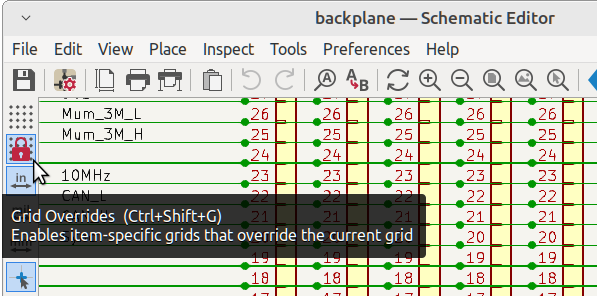
Another issue: Just like in OlafDonkers screenshot, I do see the grid overrides in Drawing Sheet Editor / Preferences / Preferences / Drawing Sheet Editor / Grids, but I can not find a way to enable or disable these grid overrides. The schematic (And PCB) editor(s) have an extra icon with a lock for this in the left toolbar, but that is not in the drawing sheet editor in V8.0.9.